Student Guide
Do assignments from your teachers, read AI insights and solutions, practise on your own and track your progress.
Section 1
Signing in as a student
Sign in with your school account
Go to your school's thinka page (https://<school>.app.thinka.ai) and sign in — Continue with email → email → password → Log in. Use the email and password your school gave you.
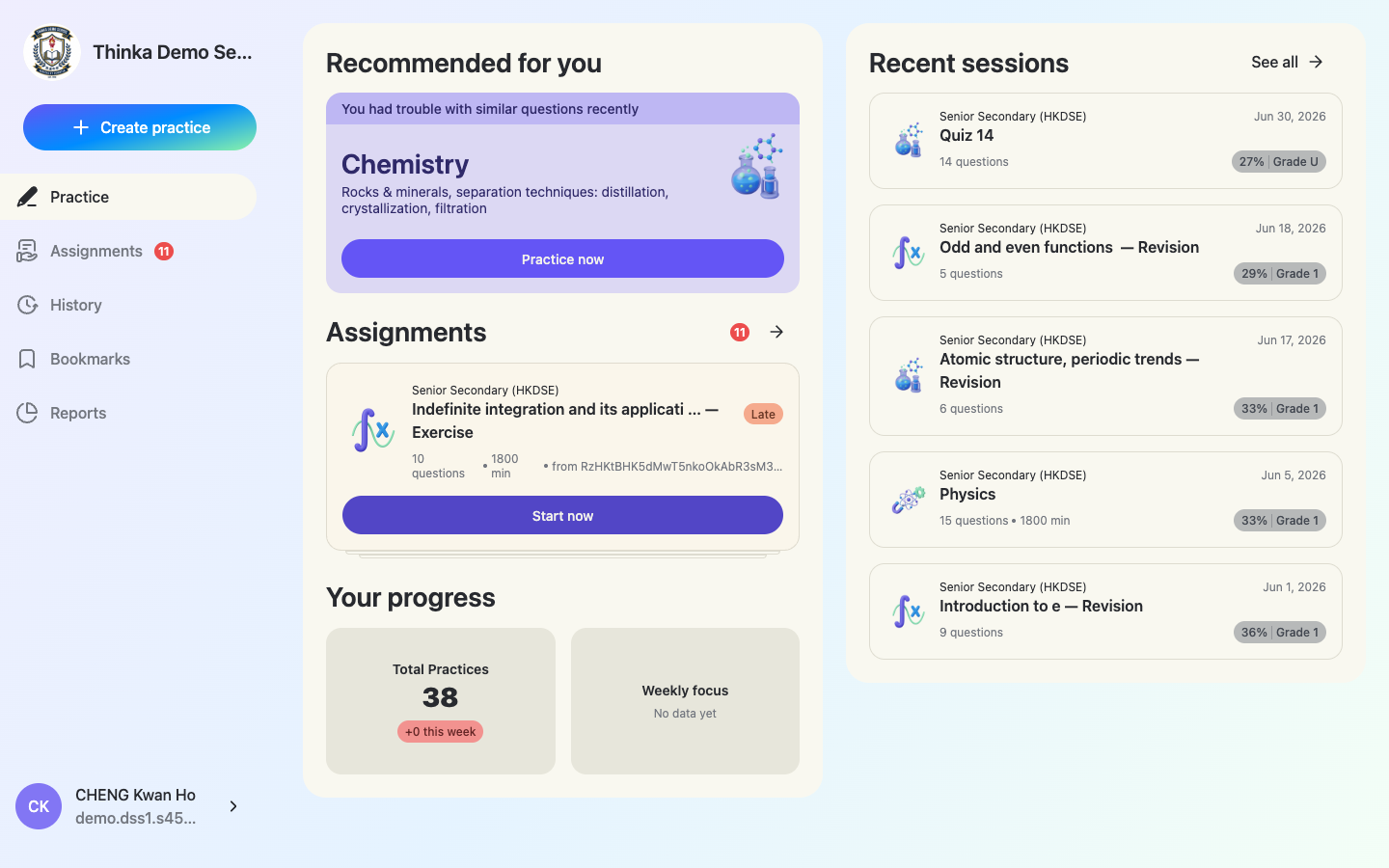
The student home
The sidebar has Practice, Assignments, History, Bookmarks, Reports. Home shows a personalised Recommended for you practice card, your pending Assignments stack, Your progress, and Recent sessions with grades.
Section 2
Start and submit an assignment
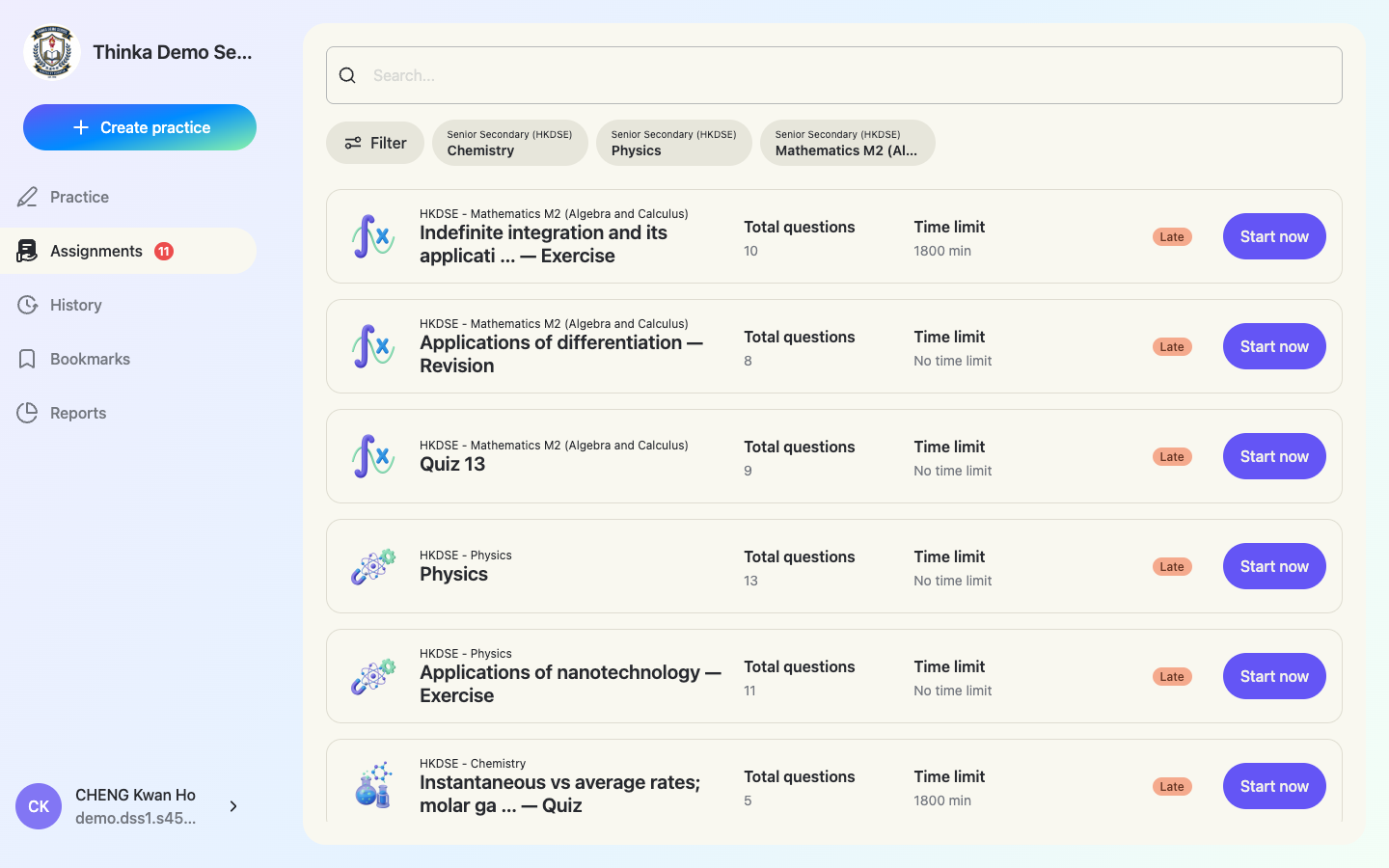
Open your assignment list
Click Assignments — the red badge shows how many are waiting. Each row lists total questions, time limit and status; overdue ones are marked Late. Filter by subject or search by name.
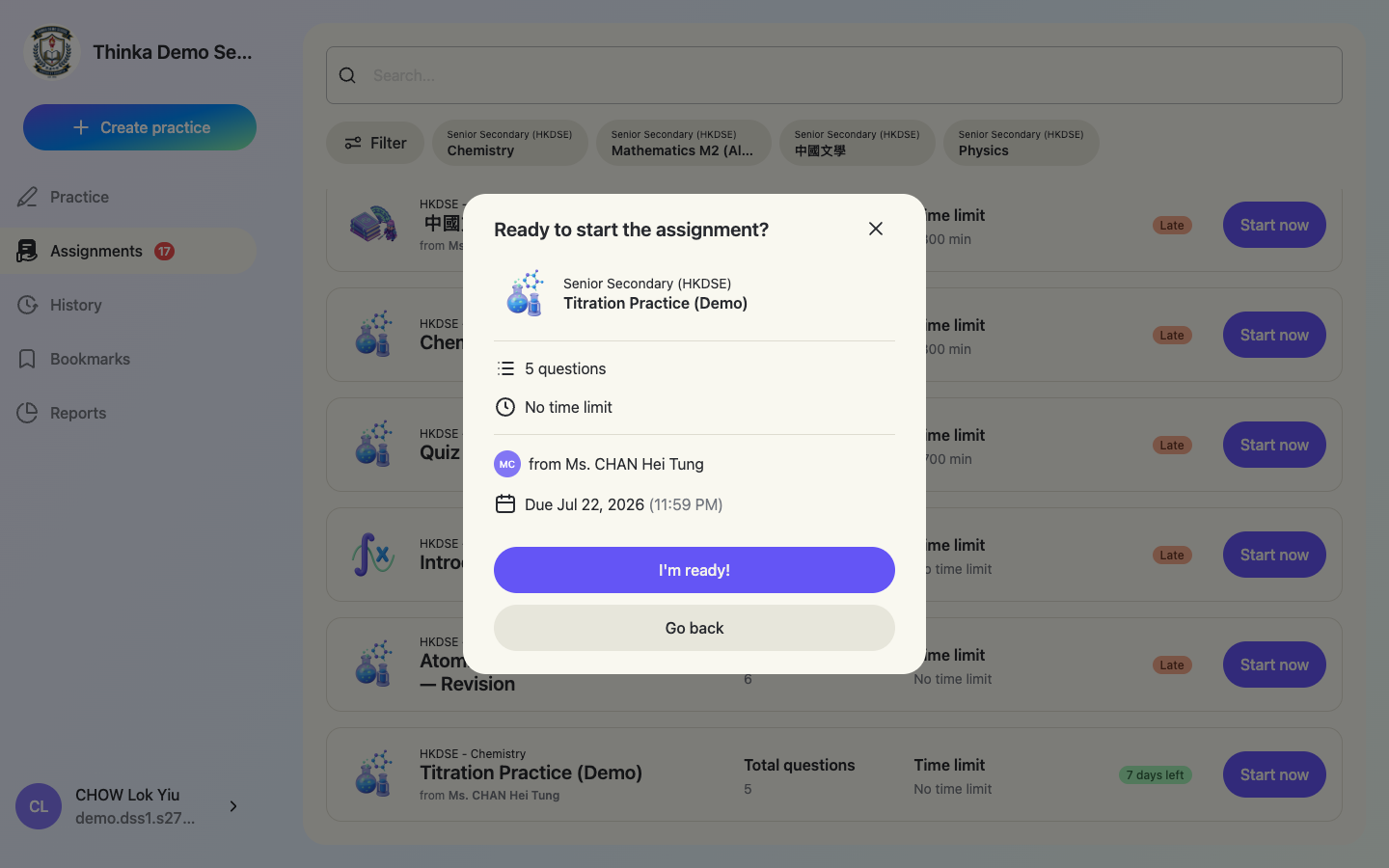
Click “Start now” and get ready
The start sheet shows the question count, time limit, which teacher assigned it and the due date. Click I'm ready! to begin.
Answer the questions
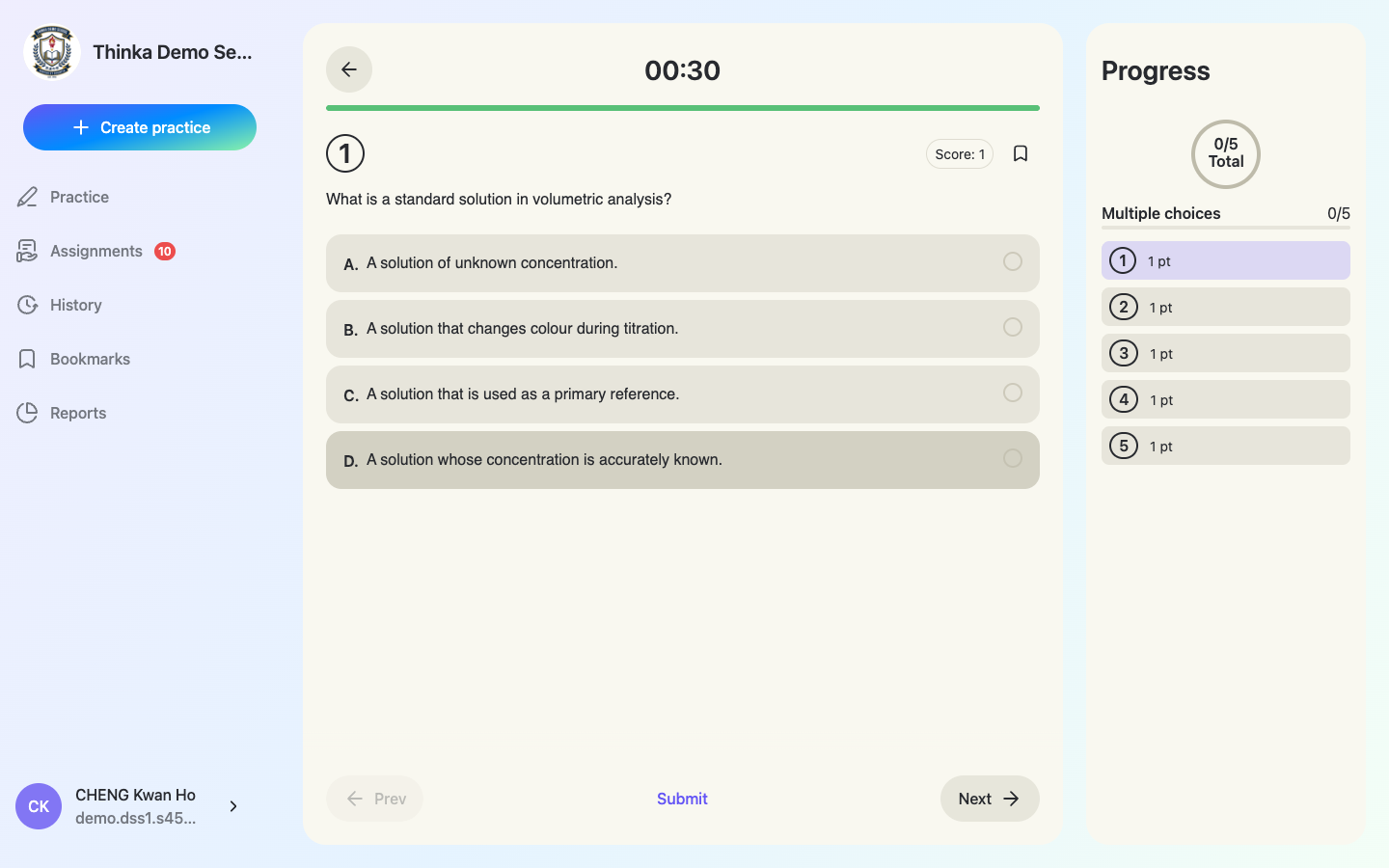
Pick an answer and use Next / Prev to move around — the Progress panel on the right shows what's answered and lets you jump to any question. A timer runs at the top. Your answers are saved on the device as you go, so a refresh won't lose them. Tap the bookmark icon to save a question for revision.
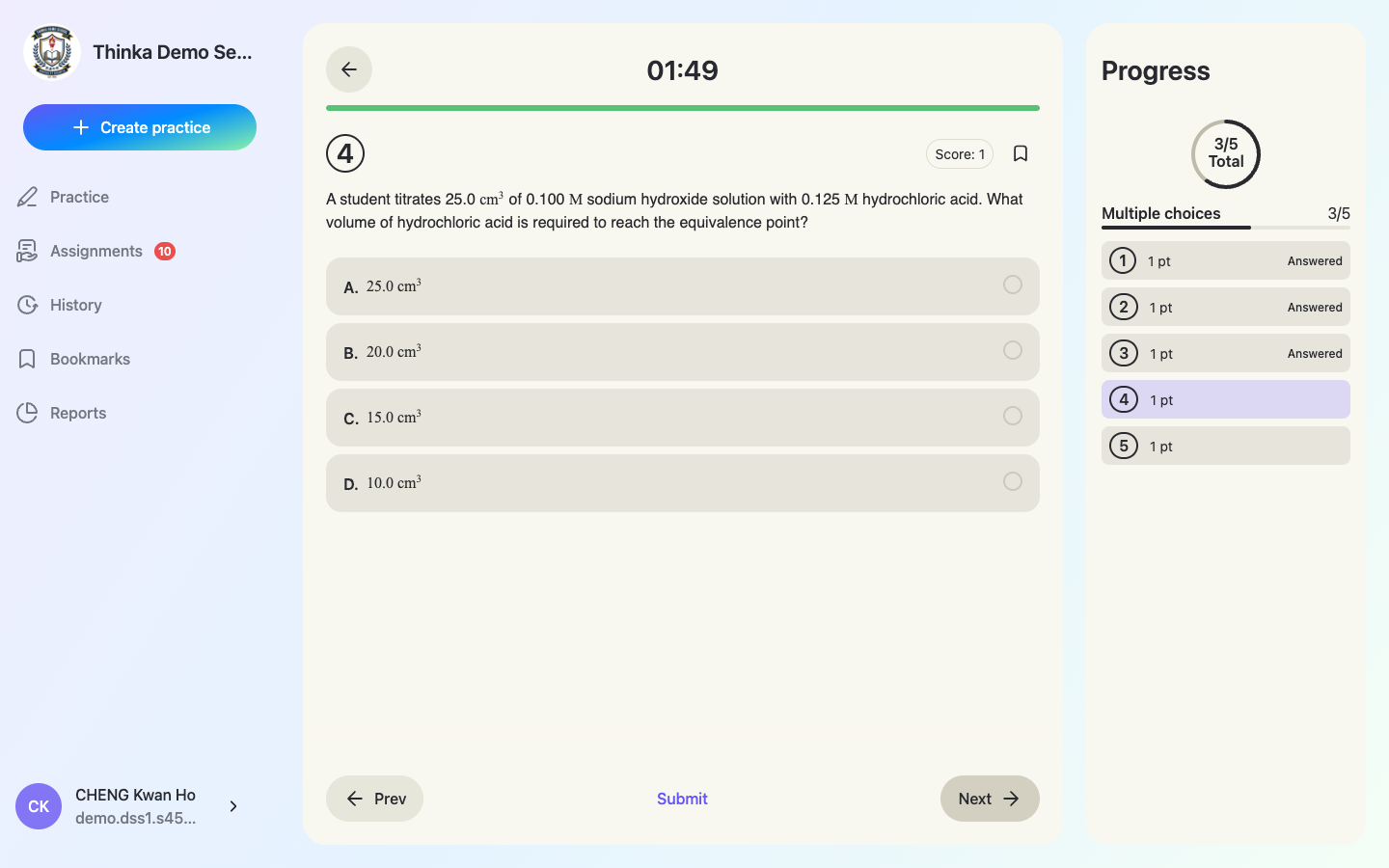
Math is rendered beautifully
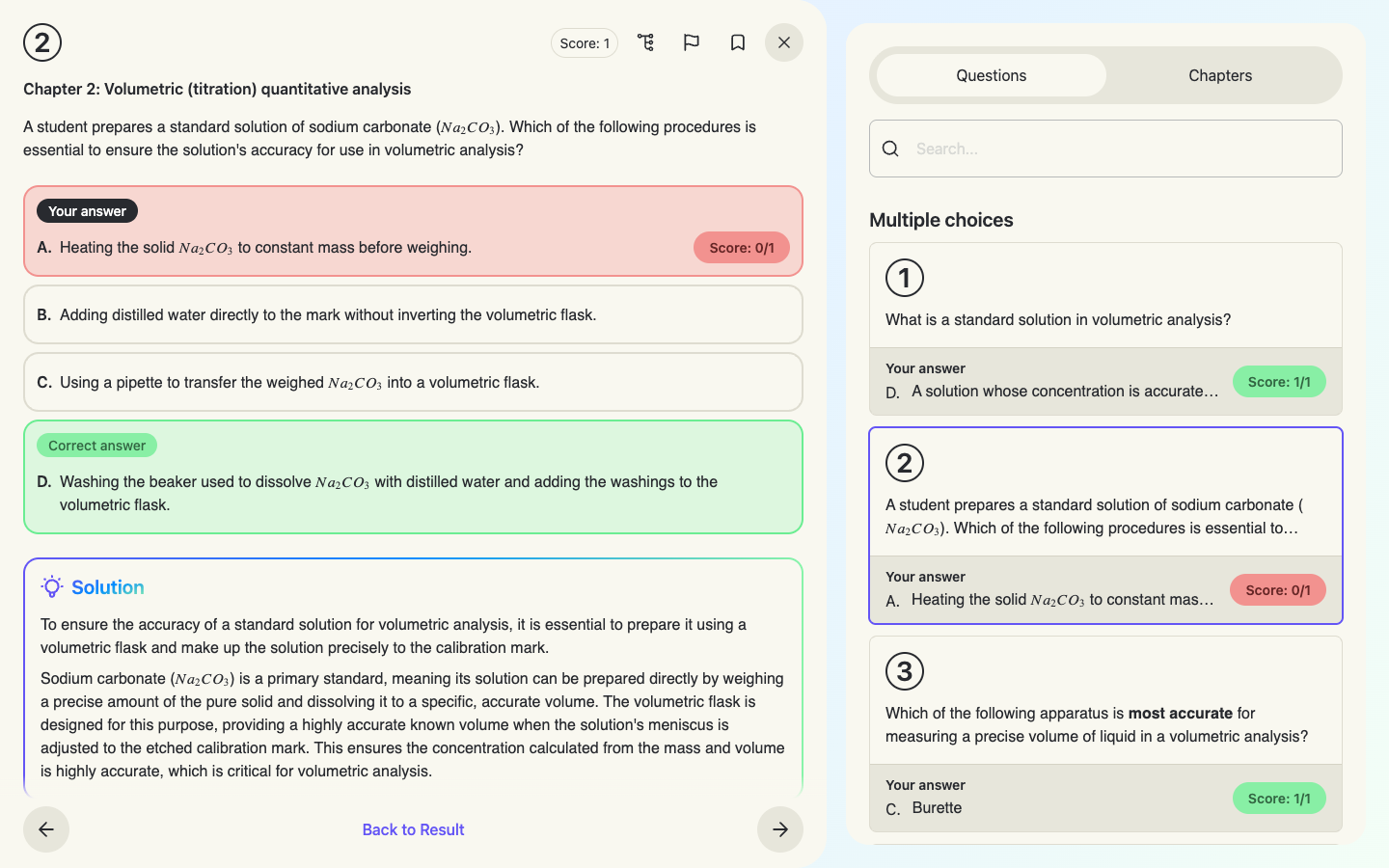
Equations and chemical formulae render as proper notation in questions, choices and solutions.
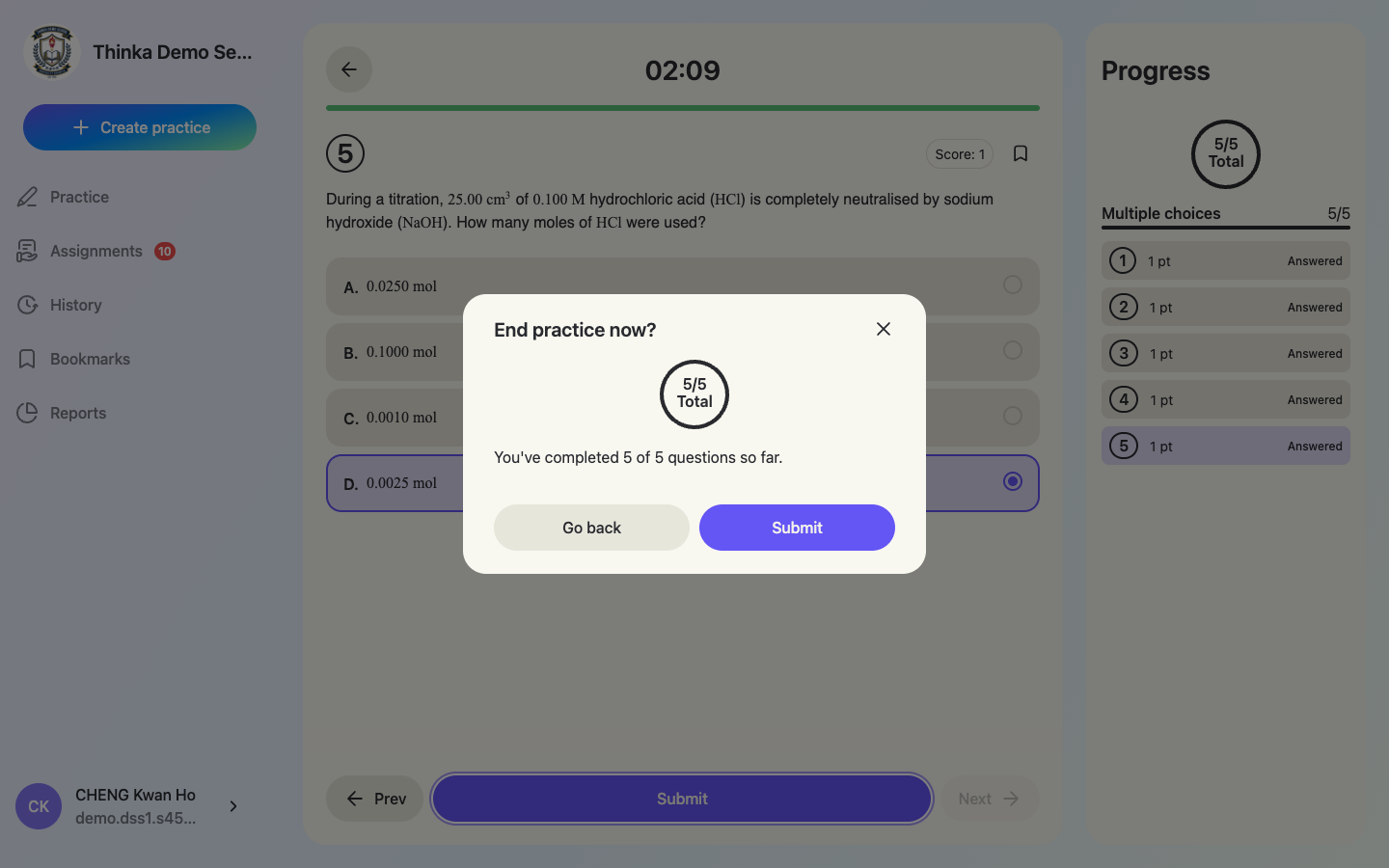
Submit
Click Submit (available on any question). The confirmation shows how many you've completed — Go back if you want to review first. Grading is instant.
Section 3
Results, solutions & AI insights
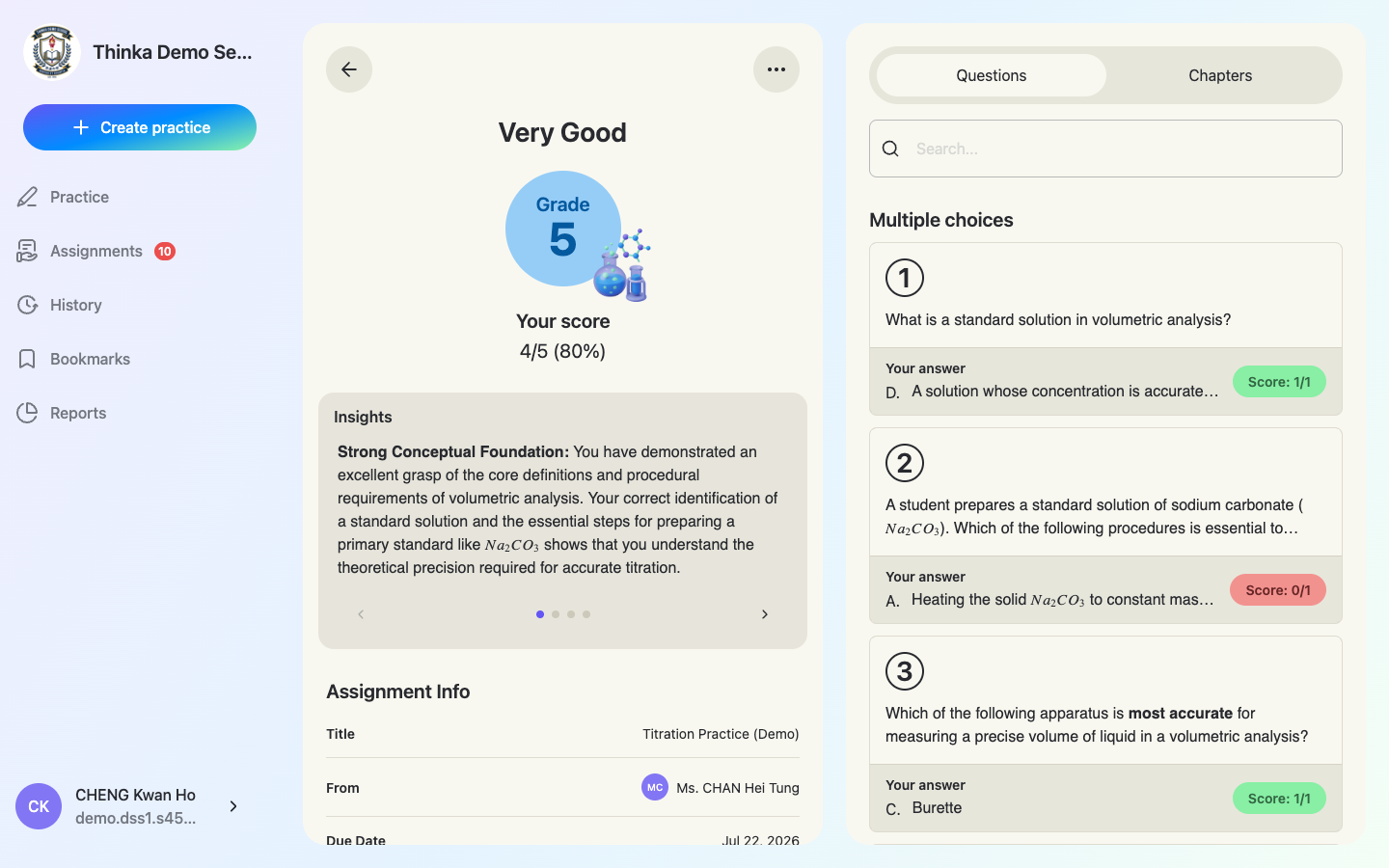
Your result, graded instantly
The result screen shows your grade (HKDSE-style for DSE subjects), score, and an Insights box where AI writes personal feedback — what you did well and what to fix. The right panel lists every question with your answer and score; the Chapters tab breaks performance down by chapter.
Read the solution for any question
Click a question to see your answer vs the correct answer, plus a step-by-step Solution written by AI. Icons at the top let you repeat similar questions, flag a problematic question to thinka, or bookmark it.
Section 4
Practise on your own
Practices work exactly like assignments, but you create them yourself — no teacher needed. They count towards your reports too.
Create a practice
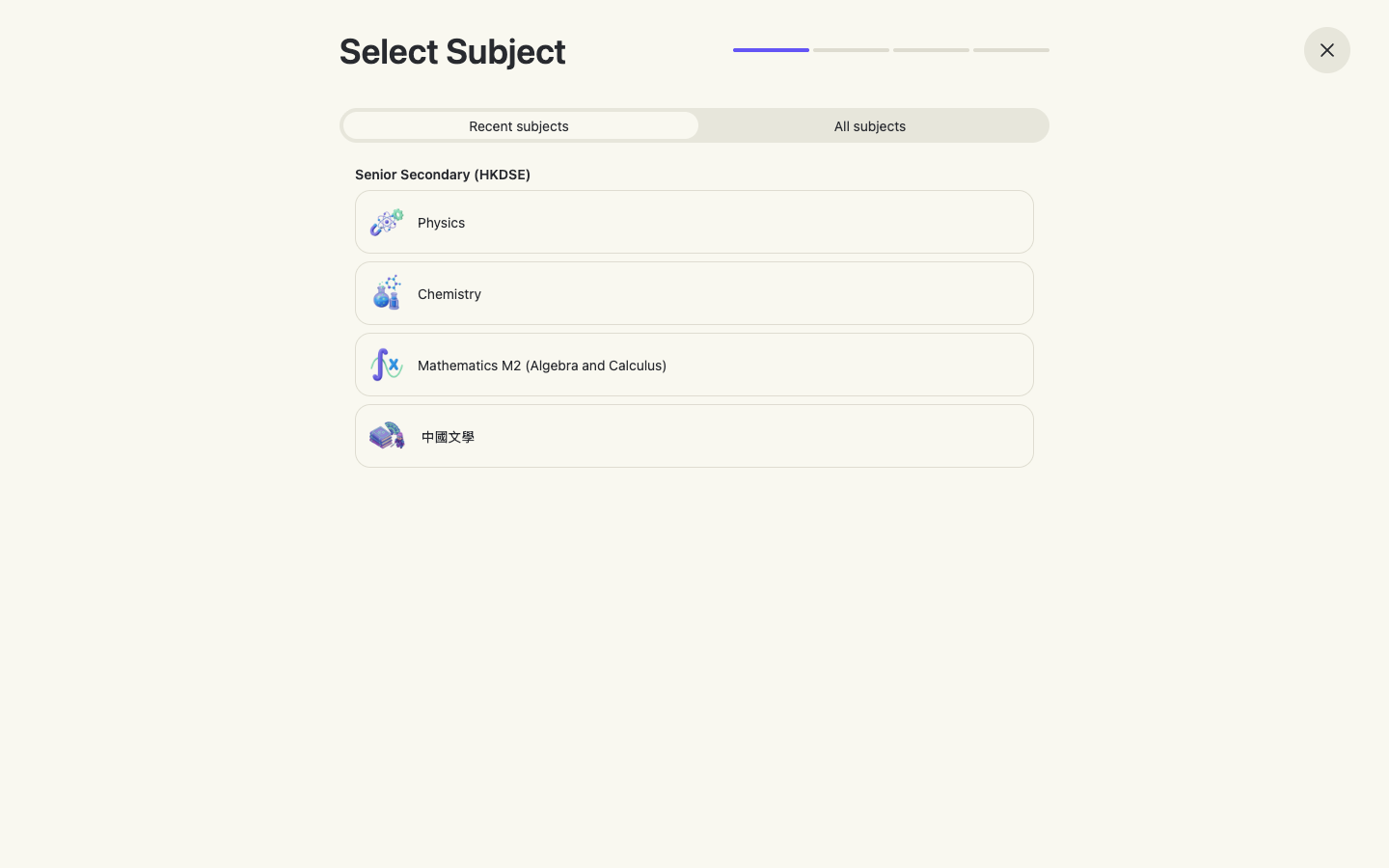
Click + Create practice in the sidebar (or Practice now on a recommendation card). Pick a subject — recents first.
Pick chapters and difficulty
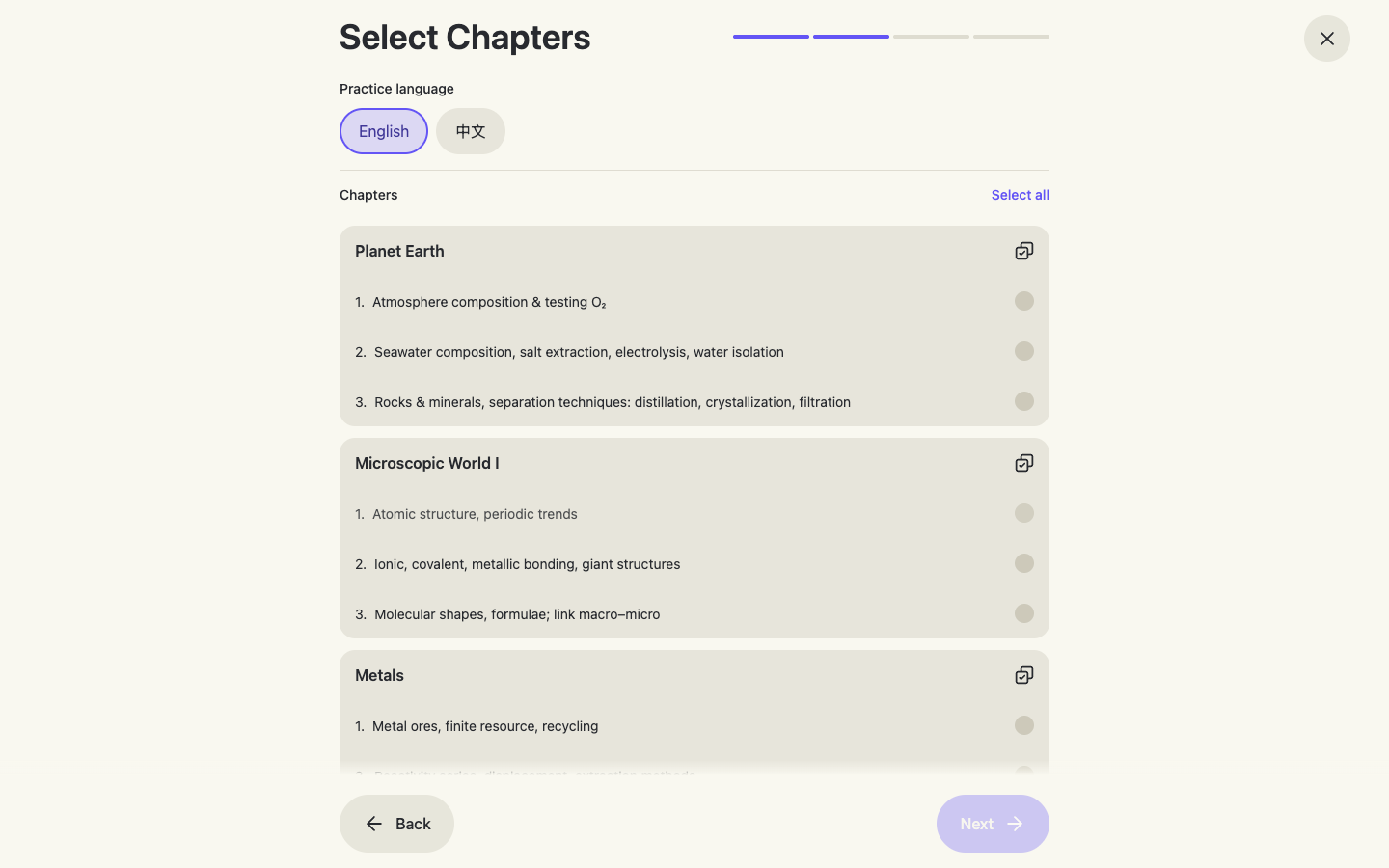
Choose the practice language (English / 中文) and the chapters you want to drill, then a difficulty level, set the number of questions and click Generate by AI. Answering and results work exactly like an assignment.
The Recommended for you card on Home is built from questions you recently struggled with — a one-tap way to fix weak spots.
Section 5
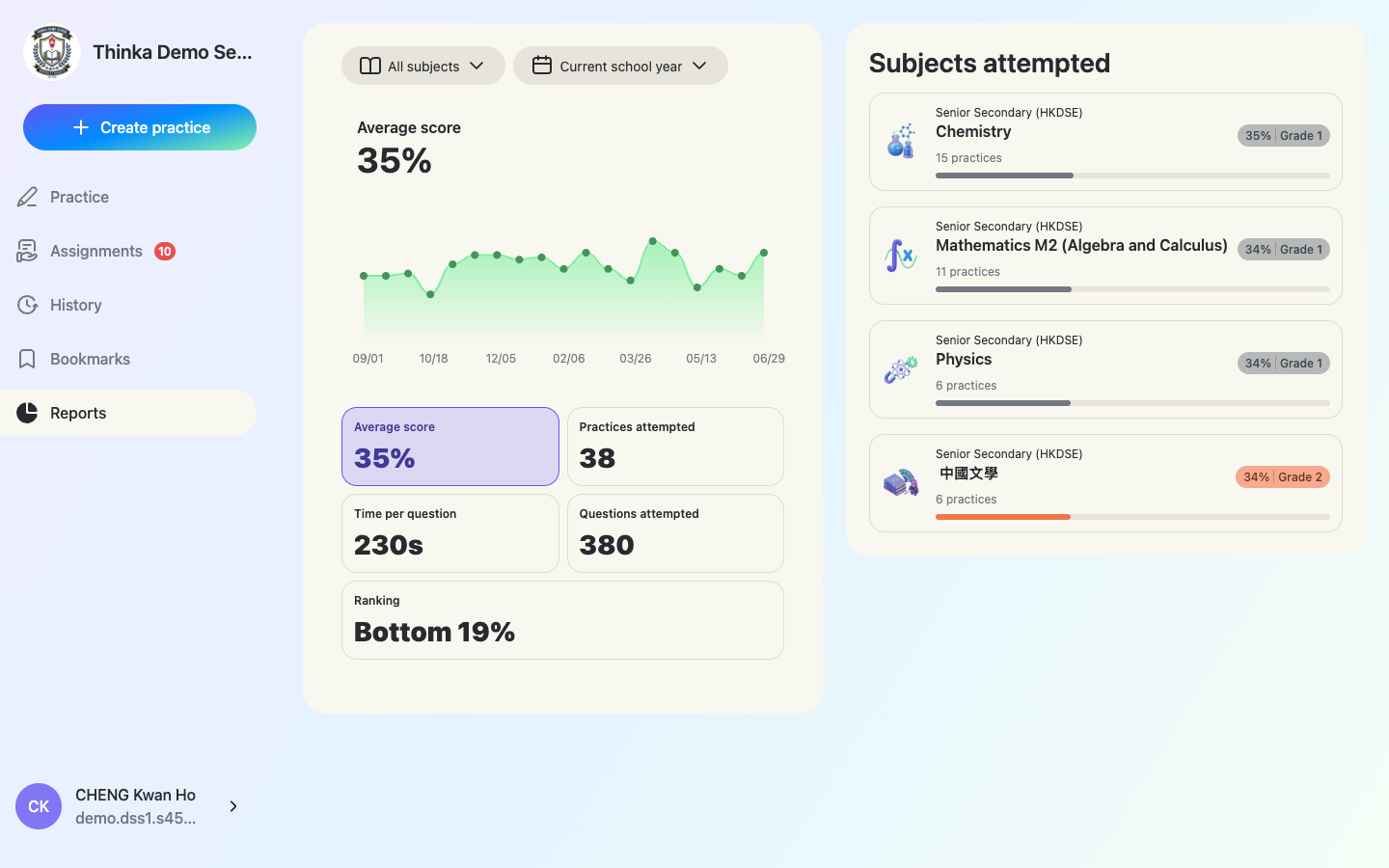
View your personal report
Open “Reports”
Your report shows average score with a trend chart, practices attempted, time per question, questions attempted, your class ranking, and per-subject cards with grades. Filter by subject and time range (default: current school year).